A web panel, a scanning app, and no hardware to buy
Everything you need to run the door of an event: create it, load the people, send their badges and scan them in. From a browser and a phone.
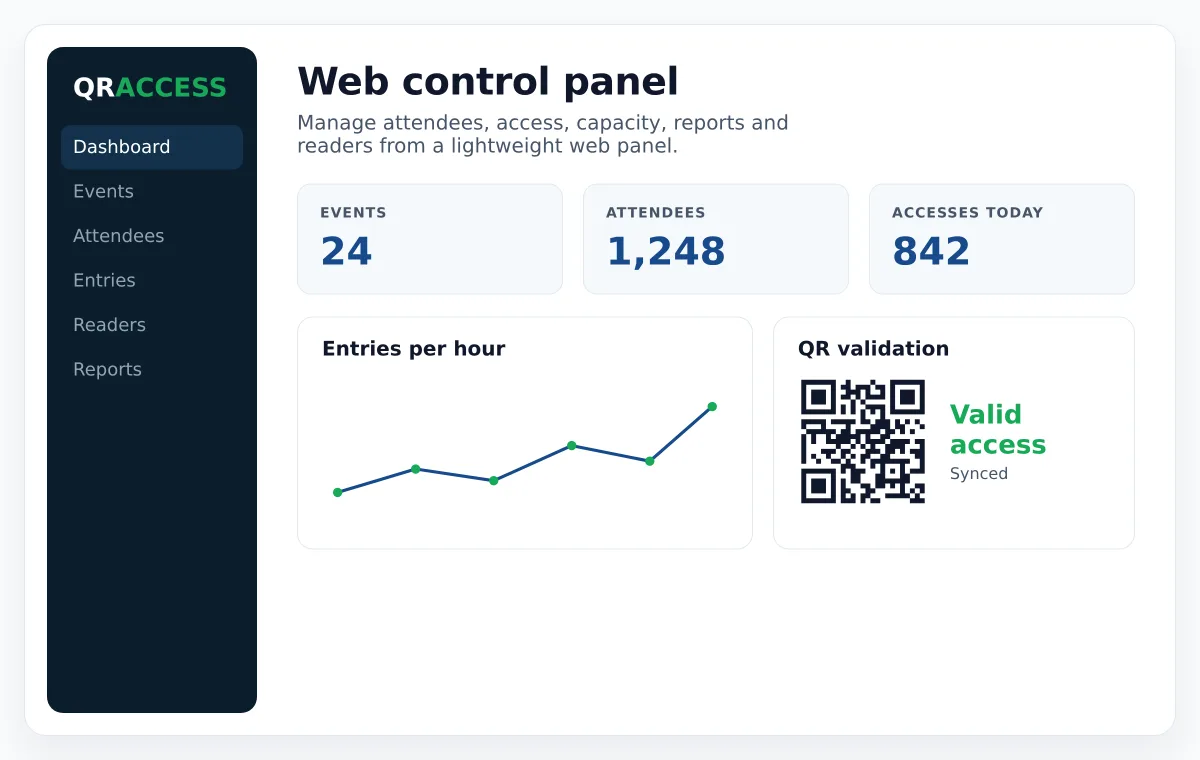
Four steps, and the fourth is on the day
1. Create the event
Dates, venue, capacity and the rules you need: whether exits are recorded, what happens when a badge is scanned twice, which time windows are valid.
2. Load the people
Import a spreadsheet, publish a registration page, or sell tickets. All three end up in the same attendee list.
3. Send the badges
PDF, Apple Wallet or PKPASS, sent by email automatically. Design it once and every attendee gets their own.
4. Scan at the door
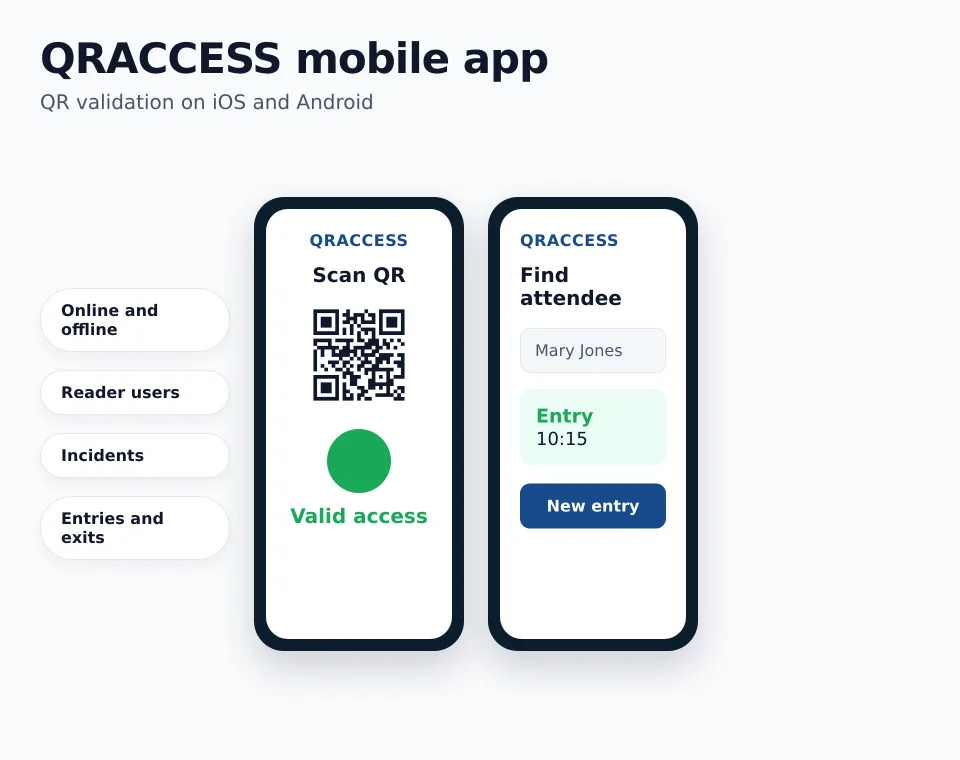
Any phone with the app becomes a scanner. Add as many as you need and they all see the same list, live.
The part where things actually go wrong
Door software is easy to demo and hard to survive. These are the situations we build for, because we have seen all of them:
- No signal. The app validates offline and uploads later. A whole day's scans upload in seconds, and re-uploading never duplicates an entry.
- The same badge twice. The second scan raises a warning instead of silently letting someone in, and the person at the door decides.
- Several entrances. Every device shares the same list in real time, so a badge used at gate A does not work at gate B.
- Entry and exit. Track who is inside right now, not just who arrived — which is what capacity limits actually depend on.
- Restricted areas. A device can be limited to specific zones, so staff scanning at the VIP door cannot let in a general ticket.
A sign-up page you can actually configure
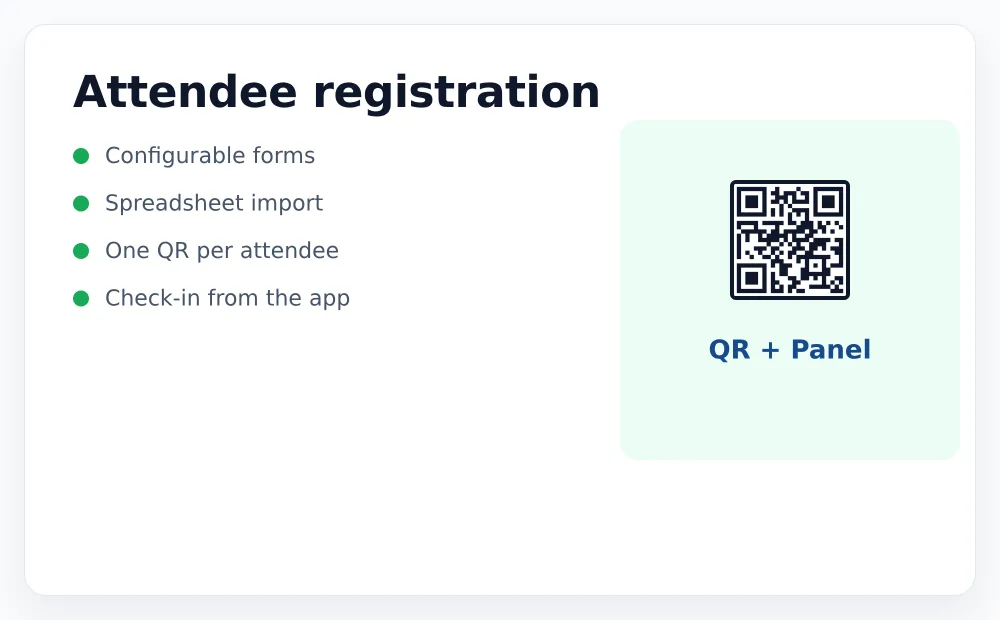
Choose the fields, make them required or optional, add your logo and your privacy text. Approve registrations manually if you need to, or send the badge instantly.
Duplicate control, email validation and a capacity limit that stops accepting people when the event is full.
Sell tickets and keep your revenue
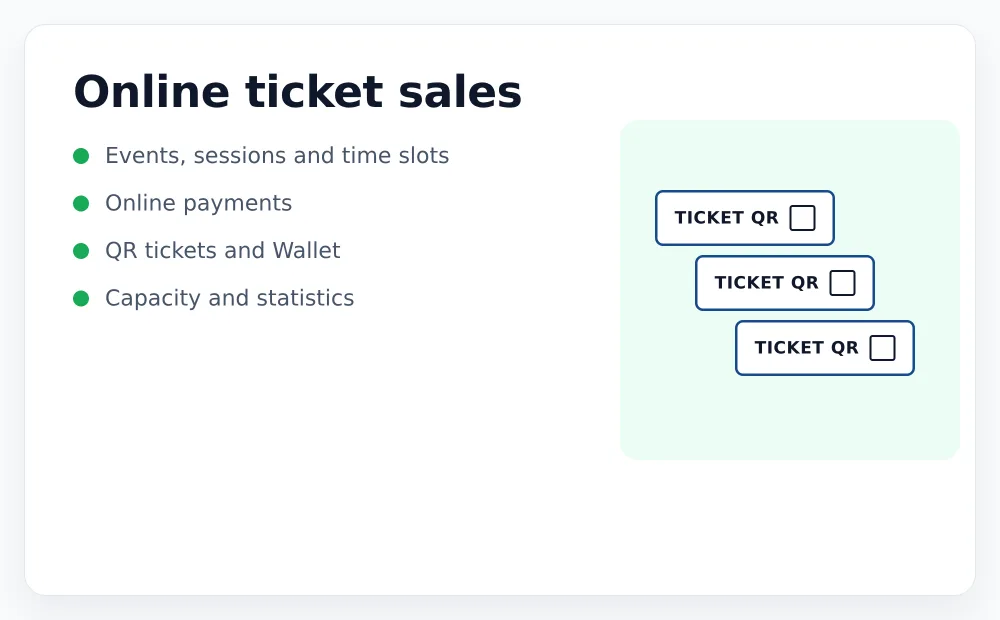
Sessions with their own capacity, quotas per ticket type, numbered seats on a venue map, discount codes and refunds from the panel.
Payments go directly to your own gateway account — Stripe, PayPal or a local card processor. We never hold your money, and we do not take a percentage of it.
Each part, explained properly
Attendee registration
Forms, imports and the rules that decide how many times a badge may be used.
Ticket sales
Numbered seats, quotas per type, and where the money actually goes.
Scanning app
The four answers at the door, offline mode and staff permissions.
Badges and certificates
PDF, Apple Wallet and attendance hours calculated from real scans.
Use cases
Conferences, training, venues, corporate events and agencies.
Pricing
What it costs, with a worked example of a real event.
What you get when the doors close
Attendance reports
Who came, when, through which door and scanned by which device. Exportable.
Certificates
Attendance certificates with the real hours, calculated from entry and exit scans — including shifts that run past midnight.
Live stats
Capacity, entries per hour and warnings, visible while the event is still running and not only afterwards.
See it with your own event
Create an account, set up an event and scan a badge yourself. Ten minutes, no card required.